
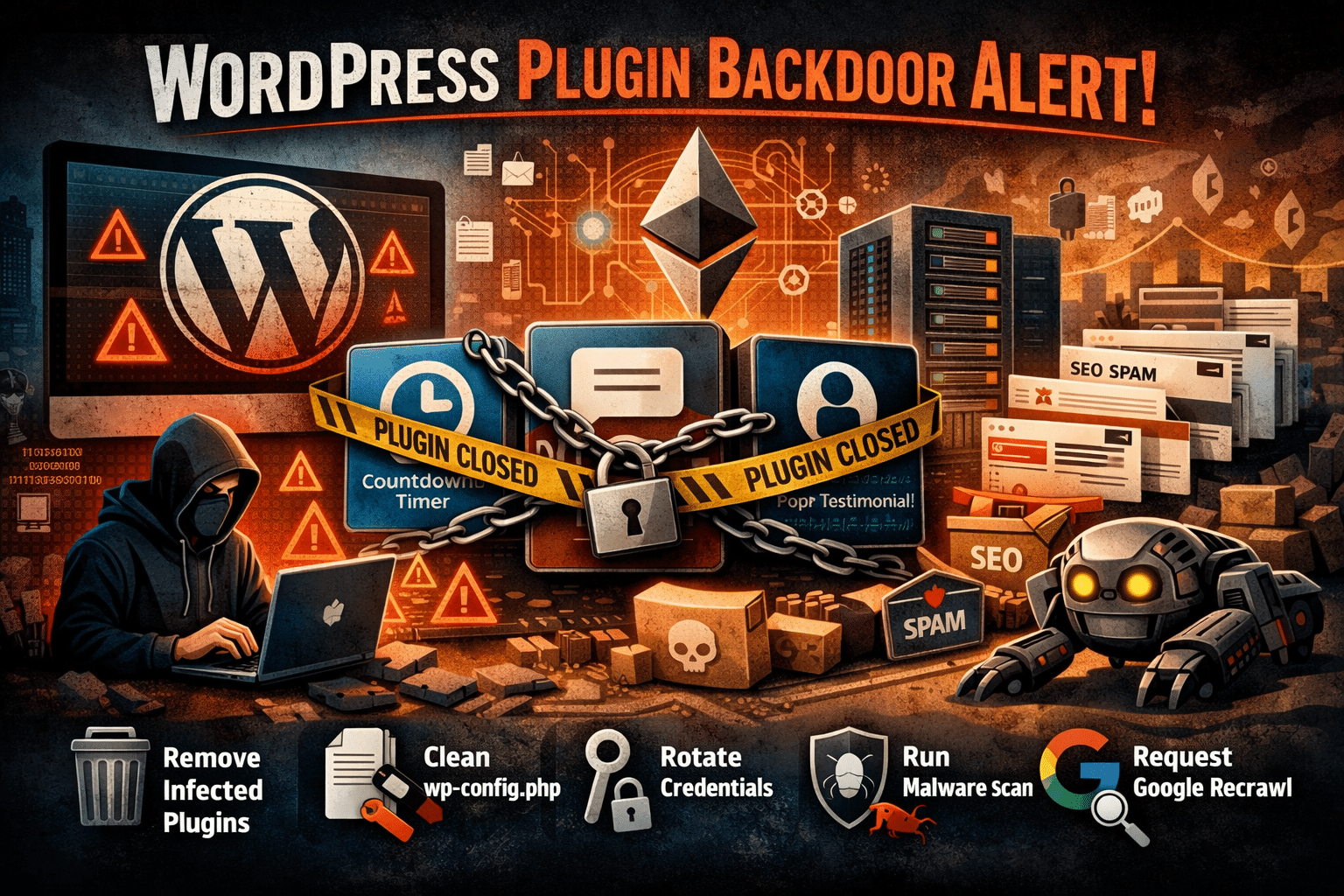
If you run a WordPress site, you’ll want to read this one carefully. Over the past fortnight the WordPress security community has uncovered one of the most significant supply chain attacks the platform has seen in years. More than thirty plugins from a well-known developer — collectively installed on hundreds of thousands of sites — were found to contain a dormant backdoor, quietly planted eight months before it was switched on.
At WP Care we’ve already scanned every site on our fleet against the affected list. Here’s what happened, which plugins are involved, and exactly what to do if yours is one of them.
What actually happened
The plugins were published by a developer called Essential Plugin (previously trading as WP Online Support), an India-based team that had been contributing free and premium plugins to the WordPress.org directory since 2015. Over the years they built a respectable portfolio — Countdown Timer Ultimate, Popup Anything on Click, WP Testimonial with Widget and many more — with a combined total of over 400,000 active installations.
In early 2025, the entire business was sold on Flippa for a six-figure sum. The buyer, known only as “Kris,” had a background in SEO, crypto and online gambling marketing. Their very first commit to the plugin codebase, in August 2025, was a carefully concealed PHP deserialisation backdoor — buried inside what the changelog innocently described as “Check compatibility with WordPress version 6.8.2.”
For eight months, the backdoor sat dormant. On 5–6 April 2026 it was activated. A module inside the plugins phoned home to a server the attacker controlled, downloaded a second-stage payload, and injected around 6KB of malicious PHP directly into the site’s wp-config.php file. The injected code then served hidden SEO spam — fake pages, spam links and redirects — exclusively to Googlebot, making it invisible to site owners browsing their own sites in a normal browser.
Cleverly — and this is the part security researchers have flagged as a sign of things to come — the attacker’s command-and-control domain was resolved through an Ethereum smart contract, queried against public blockchain endpoints. Traditional domain takedowns won’t stop the operation, because the attacker can update the smart contract to point at a new server whenever they like.
The plugins have been permanently closed
On 7 April 2026, the WordPress.org Plugins Team took the unusual step of permanently closing every Essential Plugin plugin — 31 in total — in a single day. A forced auto-update to version 2.6.9.1 was pushed out the following day to neutralise the phone-home mechanism.
However — and this is crucial — the forced update did not clean wp-config.php on sites that had already been compromised. If your site was running one of these plugins during the activation window, the SEO spam injection could still be live, quietly eroding your search rankings while you’re none the wiser.
The full list of affected plugins
Check your site against this list immediately. Each plugin name links to its WordPress.org page, where you’ll see the permanent closure notice confirming it has been pulled from the directory. If any of these are installed on your site, you’ll need to act.
- Accordion and Accordion Slider
- Album and Image Gallery Plus Lightbox
- Audio Player with Playlist Ultimate
- Blog Designer for Post and Widget
- Countdown Timer Ultimate
- Featured Post Creative
- Footer Mega Grid Columns
- Hero Banner Ultimate
- HTML5 VideoGallery Plus Player
- Meta Slider and Carousel with Lightbox
- Popup Anything on Click
- Portfolio and Projects
- Post Category Image with Grid and Slider
- Post Grid and Filter Ultimate
- Preloader for Website
- Product Categories Designs for WooCommerce
- Responsive WP FAQ with Category
- SlidersPack – All in One Image Sliders
- SP News And Widget
- Styles for WP PageNavi – Addon
- Ticker Ultimate
- Timeline and History Slider
- Woo Product Slider and Carousel with Category
- WP Blog and Widgets
- WP Featured Content and Slider
- WP Logo Showcase Responsive Slider and Carousel
- WP Responsive Recent Post Slider
- WP Slick Slider and Image Carousel
- WP Team Showcase and Slider
- WP Testimonial with Widget
- WP Trending Post Slider and Widget
How to check your site
The quick check
Log in to wp-admin and head to Plugins → Installed Plugins. Scan the list against the names above. WordPress.org will also be flagging any of these as permanently closed with a prominent notice at the top of the plugin row.
The thorough check (WP-CLI)
If you’ve got SSH access and WP-CLI — which every WP Care client does — you can confirm in seconds. From the site root:
Compare the slugs against the affected list. To check a specific one directly:
Inspecting wp-config.php
This is the step most site owners skip, and it’s the most important one. The injected payload appends itself on the same line as require_once ABSPATH . 'wp-settings.php';, so a casual glance at the file will miss it entirely.
A clean wp-config.php on a typical install sits around 3–4KB. If yours is significantly larger — the injection adds roughly 6KB — your site was actively compromised. Over SSH, from the site root:
If the file size looks inflated, open the file and scroll to the very bottom. Look for long, obfuscated PHP blocks, base64-encoded strings, or anything referencing unfamiliar remote URLs.
What to do if you’re affected
1. Remove or replace the plugin
The safest course is to deactivate and delete the affected plugin outright:
If you rely on the plugin’s functionality, there are properly maintained alternatives for every one of these use cases — our team can recommend a suitable replacement for your specific setup.
2. Clean wp-config.php
If the file has been injected, a surface-level fix isn’t enough. The entire malicious block needs to be surgically removed, the file permissions reviewed, and the site scanned for any persistence mechanisms the attacker may have left behind — rogue admin users, scheduled tasks, uploaded shell scripts sitting in wp-content/uploads/, and so on.
3. Rotate credentials
Assume the attacker had full code execution on your site. That means rotating:
- All WordPress admin passwords
- The database password in
wp-config.php - All eight WordPress salts and keys (
AUTH_KEY,SECURE_AUTH_KEY, and the rest) - FTP and SSH passwords, if any were stored anywhere accessible
- Any API keys held in plugin settings or in
wp-config.php
4. Run a full malware scan
A reputable scanner — Wordfence, Sucuri, or a server-side equivalent — should be run across the entire install. In many cases, restoring from a pre-compromise backup is faster and more reliable than trying to clean a live site, provided you’re confident in the clean date.
5. Request a recrawl
If spam pages have been served to Googlebot for any length of time, your search visibility may already be damaged. Once the site is clean, request a recrawl via Google Search Console and review anything it has flagged as suspicious or low-quality.
The wider lesson: plugin ownership matters
This is the second WordPress supply chain attack in as many weeks, and the playbook is becoming uncomfortably familiar. A trusted plugin with an established user base is quietly acquired on a public marketplace. The buyer inherits commit access to WordPress.org. A backdoor goes in within months — and often sits dormant long enough that the acquisition itself is forgotten by the time the payload triggers.
Back in 2017, the Display Widgets plugin (200,000 installs) was bought for $15,000 and weaponised in exactly the same way. Nothing structural has changed since. WordPress.org still doesn’t notify users when a plugin changes hands. There’s no additional code review triggered when a new committer appears. And there’s no “change of control” flag visible anywhere in wp-admin.
Until the platform addresses this, the responsibility falls on site owners and their maintenance partners to:
- Minimise plugin count. Every plugin is a trust relationship. Uninstall anything you’re not actively using.
- Favour plugins with transparent, stable ownership. Long-standing teams, visible maintainers and detailed changelogs are good signals.
- Read changelogs for unusual activity. A vague release entry after an ownership change is a red flag worth investigating.
- Keep offsite, dated backups. If you ever need to pinpoint when something was injected, file-level forensic backups are invaluable.
- Scan beyond the plugin. Forced plugin updates only fix the plugin. They don’t touch the rest of your WordPress install.
Sources: Anchor Hosting – Someone Bought 30 WordPress Plugins and Planted a Backdoor in All of Them; TechCrunch – Someone planted backdoors in dozens of WordPress plug-ins used in thousands of websites.
