
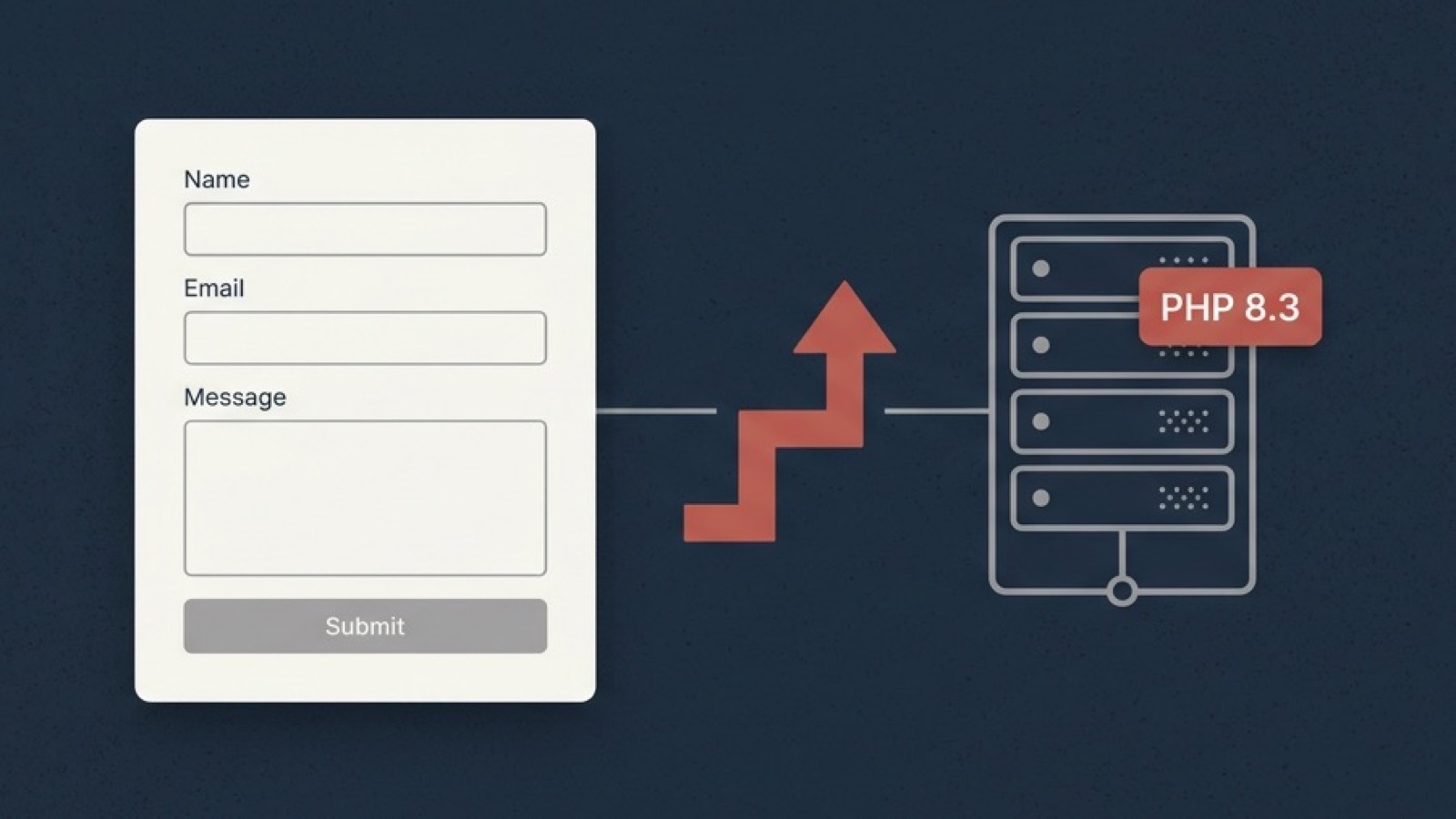
Contact Form 7 6.2 was released on 6 October 2026, followed by 6.2.1 on 8 October. It raises the plugin’s minimum requirements from PHP 7.4 to PHP 8.3, and from WordPress 6.7 to WordPress 7.1. Contact Form 7 has more than 10 million active installs.
| 6.1.7 (previous) | 6.2 and 6.2.1 | |
|---|---|---|
| Minimum PHP | 7.4 | 8.3 |
| Minimum WordPress | 6.7 | 7.1 |
Why the Requirement Changed
Contact Form 7’s support policy, revised in December 2025, sets the plugin’s PHP minimum to the version recommended by the latest major WordPress release. WordPress currently recommends PHP 8.3, so Contact Form 7 now requires it.
The requirement is enforced in the code. 6.2 bundles its own Composer dependencies, and their platform check stops the plugin from loading on anything below PHP 8.3.0.
What Happens to Sites Below the Minimum
On most sites, nothing breaks. WordPress reads a plugin’s PHP and WordPress requirements before updating it. If the server doesn’t meet them, the update is shown as unavailable (“This update doesn’t work with your version of PHP”) and the site stays on 6.1.7.
That’s the expected path. A site on PHP 8.2 or WordPress 7.0 keeps running 6.1.7, with working forms, until the server and core are upgraded.
Where It Does Break
Multisite networks with mixed PHP versions. We hit this on a client network on 8 October. On a multisite, plugins are installed once and shared by every site in the network. WordPress checked the PHP version of the main site, which was 8.3, and allowed the update. The subdomain sites were configured on the server to run an older PHP version. They loaded the same 6.2 files and produced a fatal error.
Setting the subdomains to PHP 8.3 fixed it. Hosting control panels such as Plesk allow PHP versions to be set per domain or subdomain, so a network can easily drift into running two or three versions without anyone noticing.
Sites with their own Composer vendor/ folder. 6.2 loaded its dependencies with a relative path. On sites where the WordPress root has its own vendor/autoload.php, PHP loaded the site’s autoloader instead of the plugin’s, and the front end failed with:
Class "RockLobsterInc\Swv\CompositeRule" not foundThis was reported on the support forum on 6 October. 6.2.1 changes the path to an absolute one, which fixes it. Updating to 6.2.1 is enough.
Other 6.2 reports. The Contact Form 7 support forum also has open threads on date field validation errors, forms failing to submit with the CF7 Smart Grid Design Extension active, and multiple-choice fields. As of 8 October these are not confirmed fixed.
What We’re Doing
Sites we manage on PHP 8.3 and WordPress 7.1 are being updated to 6.2.1 and checked with a test submission. Sites below either minimum stay on 6.1.7 and are being scheduled for a PHP upgrade, since PHP 8.2 stops receiving security fixes on 31 December 2026 regardless of Contact Form 7. Multisite networks are being checked for mismatched PHP versions across subdomains first.
No action is required from our clients.
Self-Managed Sites
- Check your PHP version under Tools → Site Health → Info → Server. That’s the version actually serving your site, which can differ from what the hosting panel’s default shows.
- If you’re below PHP 8.3, there is nothing to do for Contact Form 7 right now. 6.1.7 will keep working.
- If you run a multisite, check the PHP version for every domain and subdomain in the network, not just the main one, before updating.
- If you’ve already updated to 6.2, update to 6.2.1 and send a test submission through each form.
If you’d like a hand checking whether your site is ready for PHP 8.3, get in touch or see our managed WordPress care plans.
